Monthly Zoom
Photography Webinars
Join free live Zoom webinars for photographers across the U.S. and beyond. I offer practical Lightroom, Photoshop, black-and-white processing, storytelling, and creative editing sessions designed for beginners through advanced photographers.

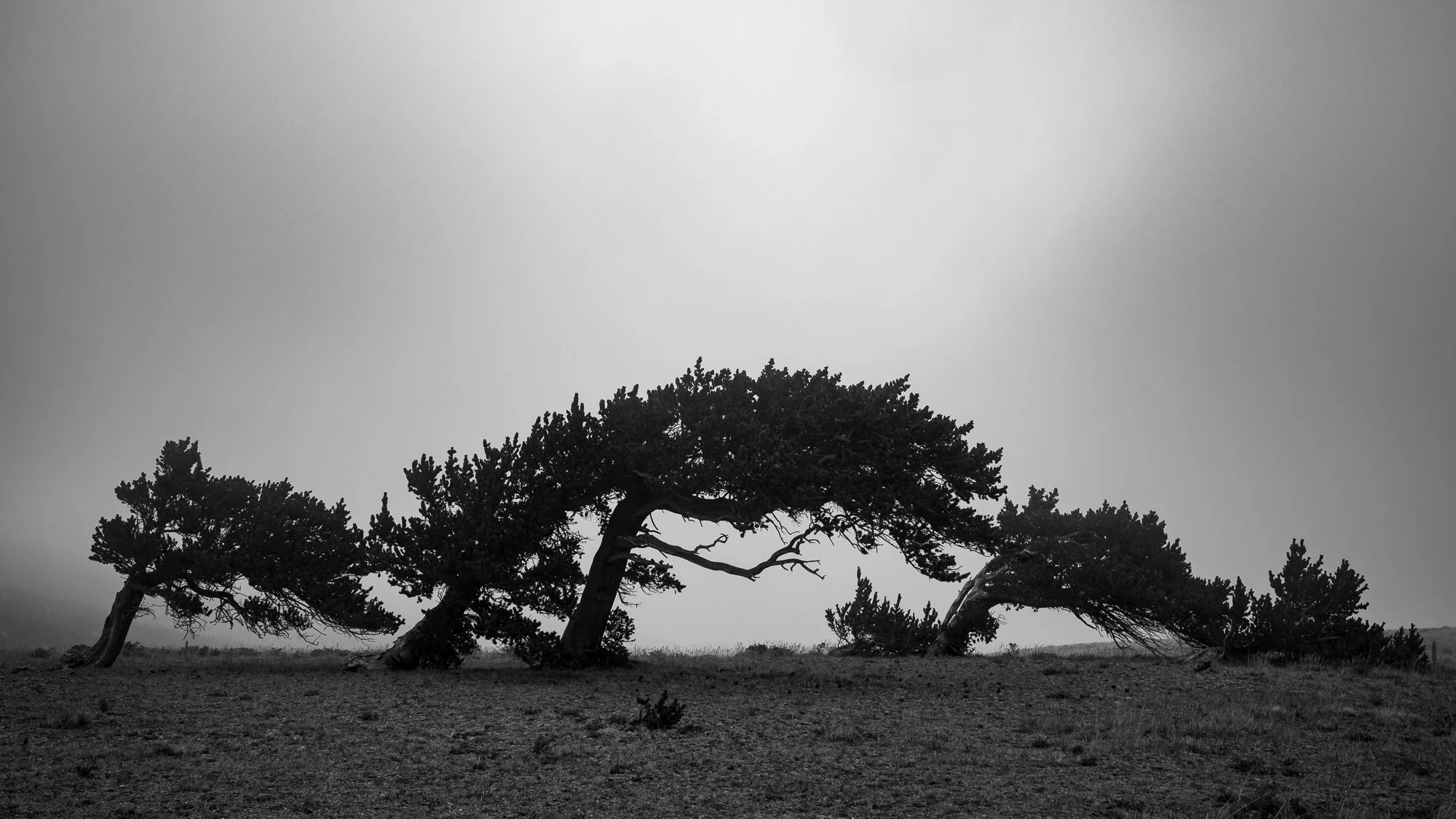
Black and White in Photoshop
Black and white photography is more than simply removing color. A successful black and white image depends on light, contrast, tone, texture, and the relationships between elements in the photograph.
In this free webinar, we’ll explore how to recognize images with strong black and white potential and how to transform a color photograph into a compelling monochrome image.
We’ll look at what makes black and white photographs work, different approaches to converting an image to black and white, and a practical editing workflow for shaping tone, contrast, and local detail. Along the way, we’ll explore how selective adjustments can guide the viewer’s eye and help create greater depth and impact.
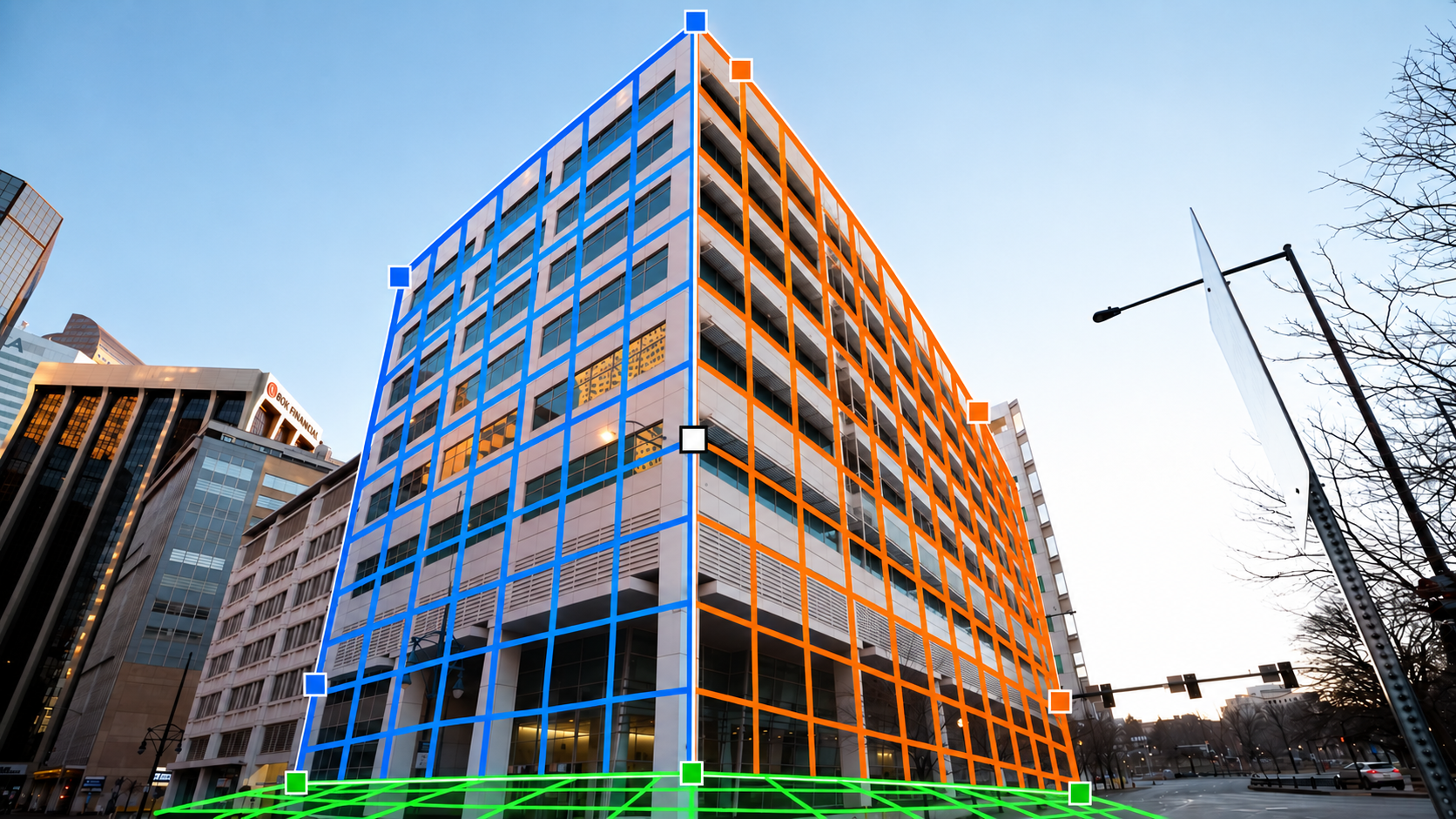
Perspective Control and Splitting the Warp
Modern cameras are remarkably capable, but they don’t give photographers complete control over perspective.
In this free webinar, we’ll explore how Photoshop can extend the controls available to you in the field. We’ll look at perspective correction, transform techniques, and Photoshop’s Warp tools—including how splitting a warp gives you much greater control over different areas of an image.
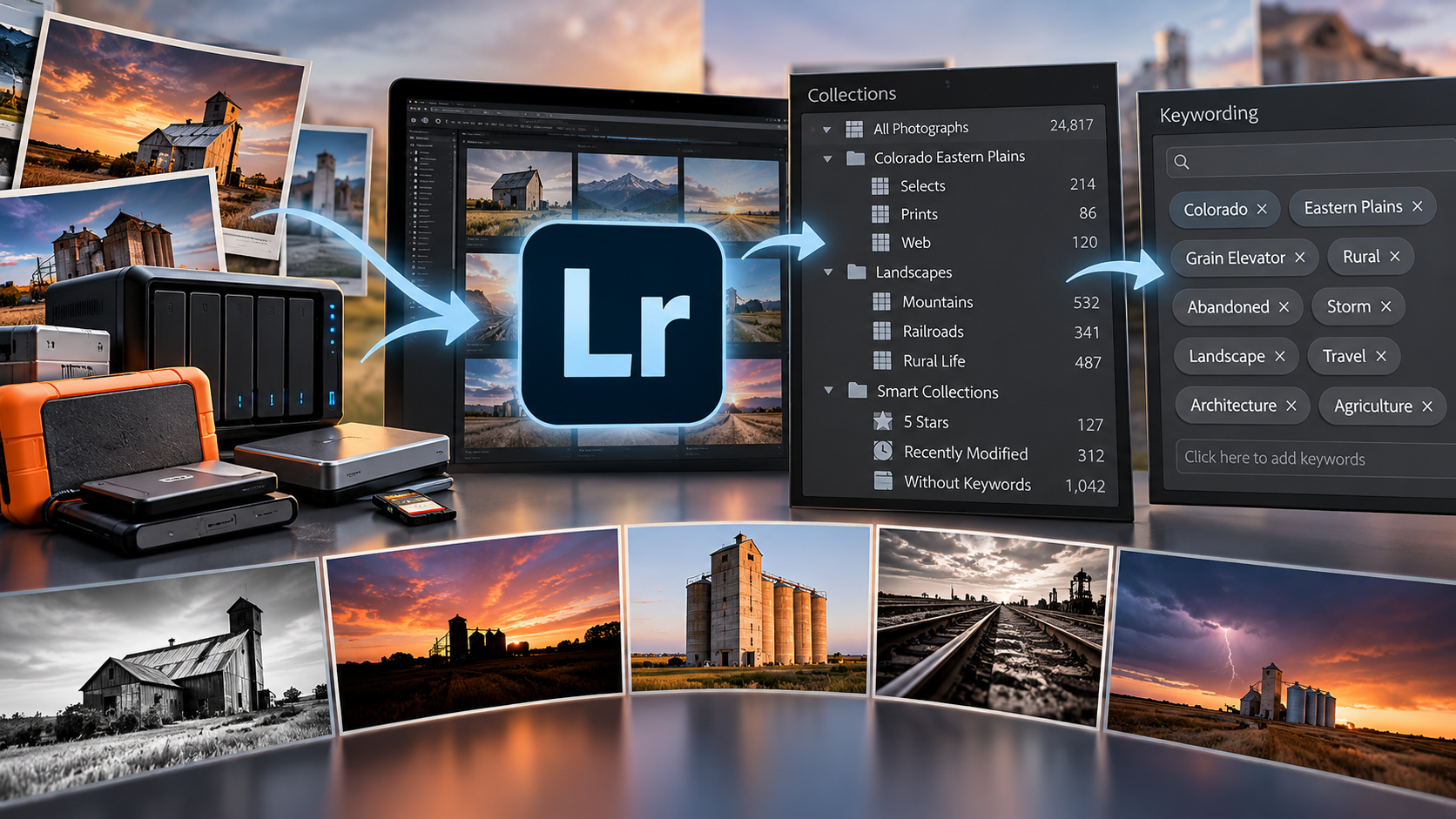
Get Control of Your Lightroom Catalog
Your Lightroom catalog should make it easier to find and work with your photographs—not leave you wondering where everything went.
As a photo archive grows from hundreds to thousands—or tens of thousands—of images, a casual approach to organization can quickly become frustrating. Photographs end up scattered across drives, folders become inconsistent, multiple catalogs appear, and finding a particular image becomes harder than it should be.
In this free webinar, we’ll take a practical look at getting control of your Lightroom Classic catalog.
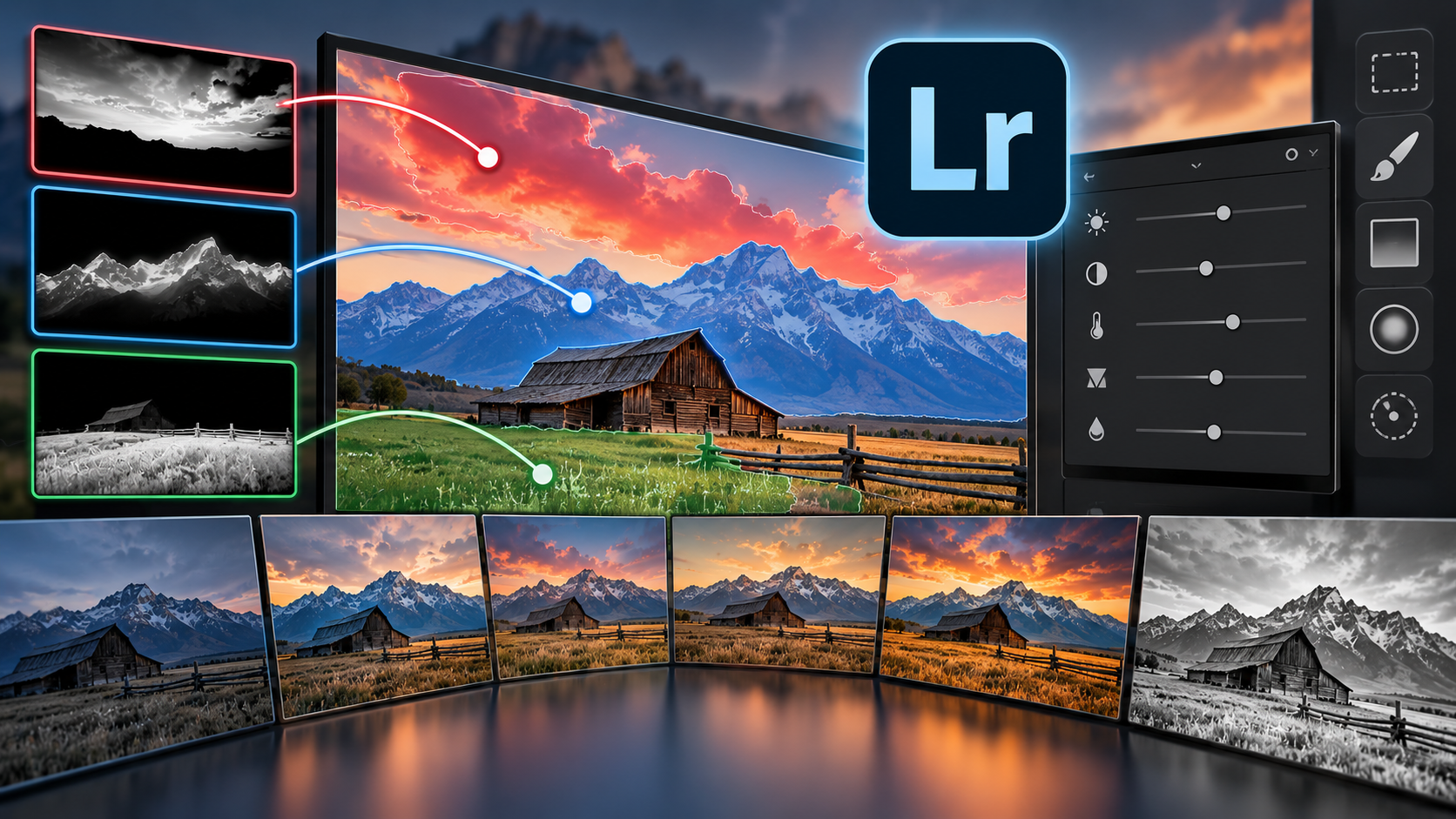
Editing Patterns in Lightroom
Knowing how to use Lightroom's editing tools is one thing. Knowing what your photograph needs is something different.
It’s easy to approach editing as a checklist: adjust exposure, add contrast, change the highlights and shadows, increase clarity, add a mask. But not every photograph needs the same adjustments—or the same editing process.
In this free webinar, we’ll explore editing patterns: a practical way to think through an image, identify what it needs, and choose the appropriate adjustments to get there.

Affinity: What Can It Do
For years, Adobe Photoshop and Lightroom have dominated photographic post-processing. They are powerful applications, but they aren't the only way to build a capable photography workflow.
Affinity offers photographers an increasingly interesting alternative.
In this free webinar, we'll take a broad look at what Affinity can do, where it fits in a photographic workflow, and why photographers should be paying attention to it.
Rather than providing a step-by-step Affinity tutorial, we'll compare its capabilities with the Adobe tools many photographers already know. We'll look at familiar editing concepts—including layers, masks, selections, adjustment layers, RAW development, retouching, compositing, and preparing finished images—and see how those capabilities translate into the Affinity environment.
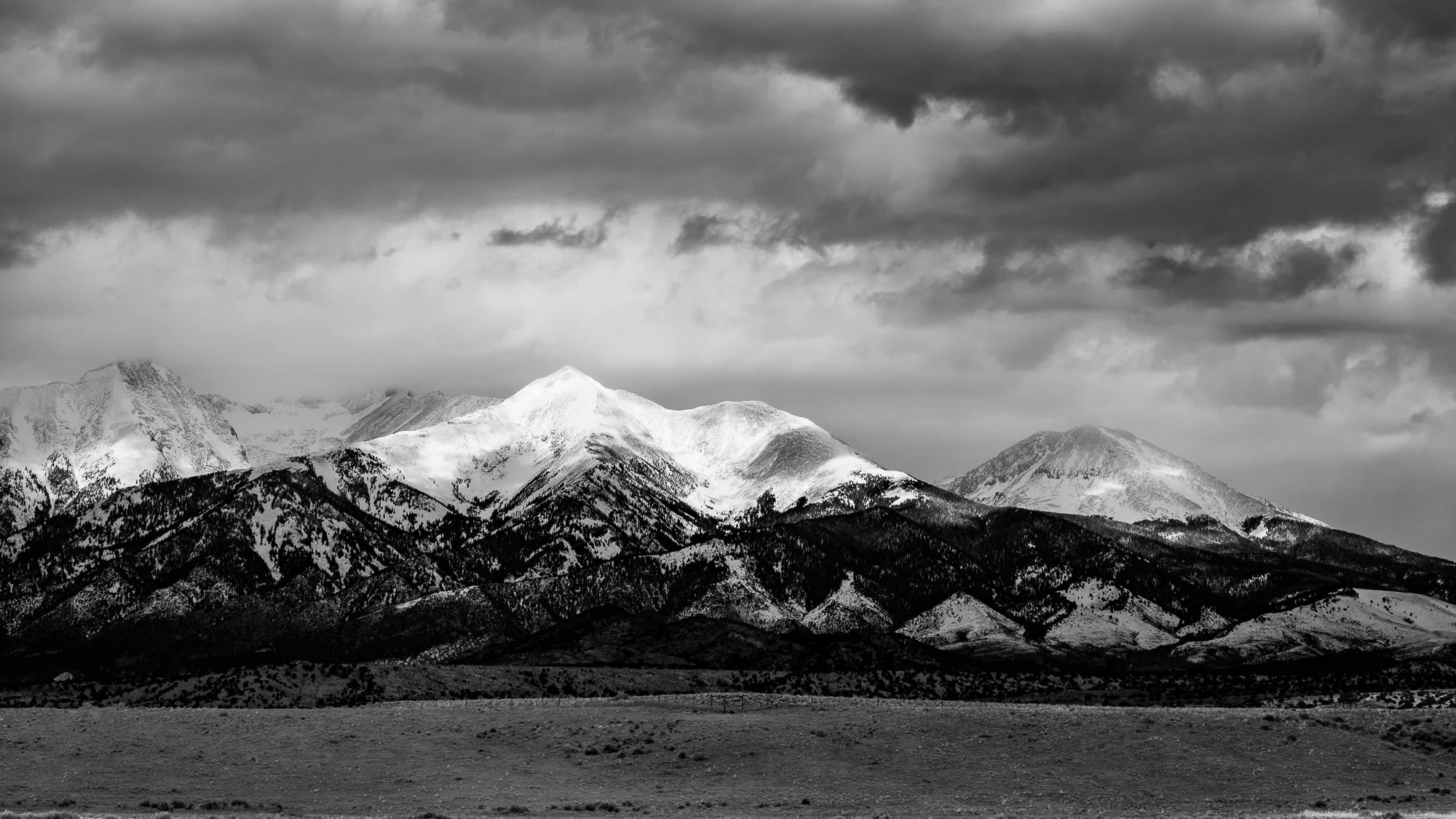
Unlock the Power of Luminosity Masking in Photoshop
Want more precise control over your photographs without creating edits that look overprocessed?
Luminosity Masking is one of Photoshop’s most powerful techniques for making targeted, natural-looking adjustments. Rather than selecting areas based on objects, shapes, or colors, luminosity masks let you make selections based on brightness—giving you precise control over highlights, midtones, and shadows.
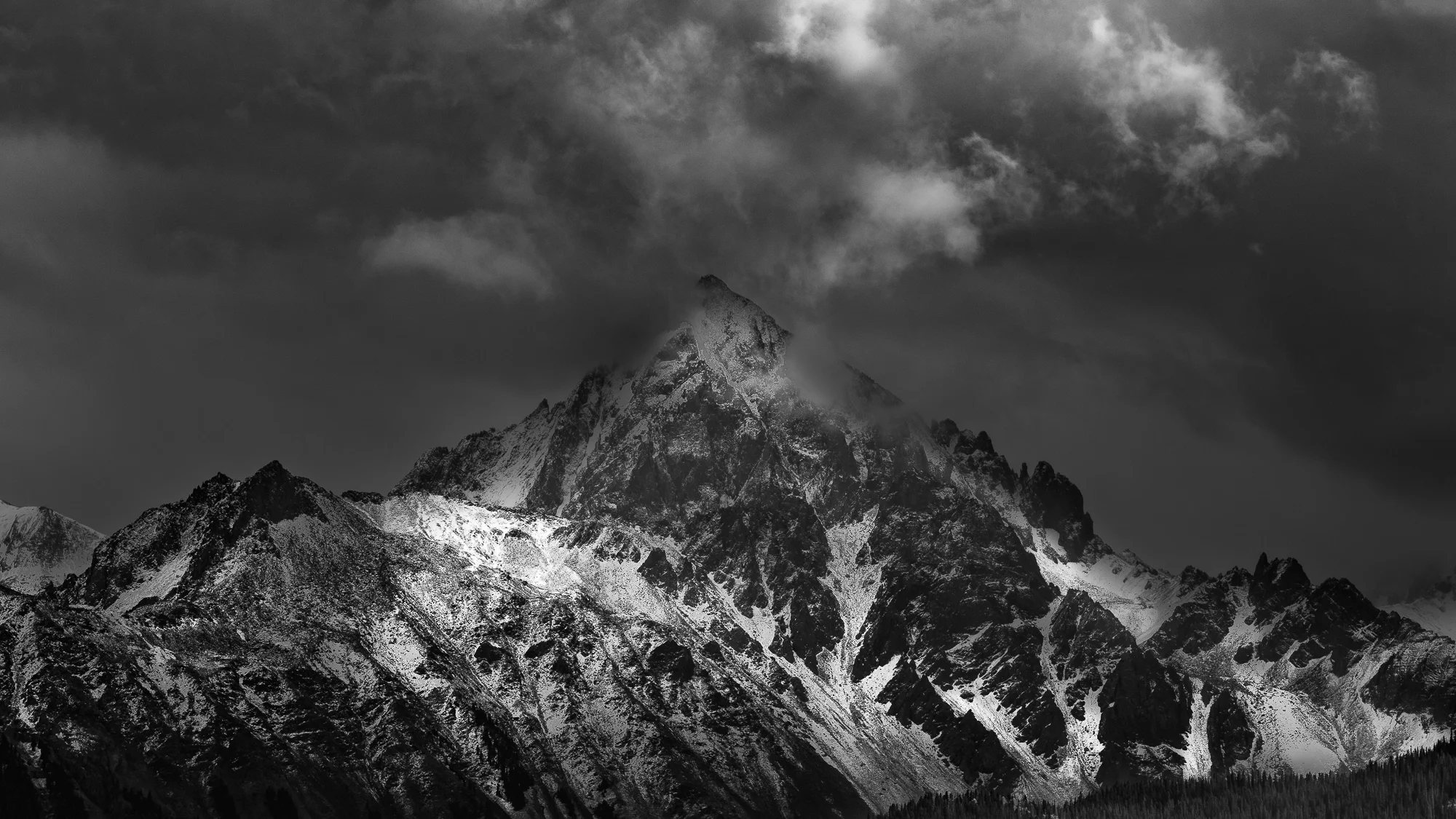
Transform Your Images by Dodging and Burning
Dodging and burning—the selective lightening and darkening of specific areas within a photograph—is one of the most powerful techniques for transforming a good image into a truly compelling one. Used skillfully, it subtly guides the viewer's eye, enhances depth and dimension, and creates photographs that feel more natural, expressive, and impactful.

5 Tips to Improve Your Lightroom Workflow
Looking for a more efficient way to organize and edit your images in Lightroom? In this free one-hour online session hosted by the Colorado Photo Arts Center, instructor Eric Hagemann will share five practical tips to help you improve your Lightroom workflow and work with greater confidence. From organizing files and streamlining your editing process to making the most of Lightroom’s tools, this session is designed to offer useful takeaways for photographers at a range of experience levels.
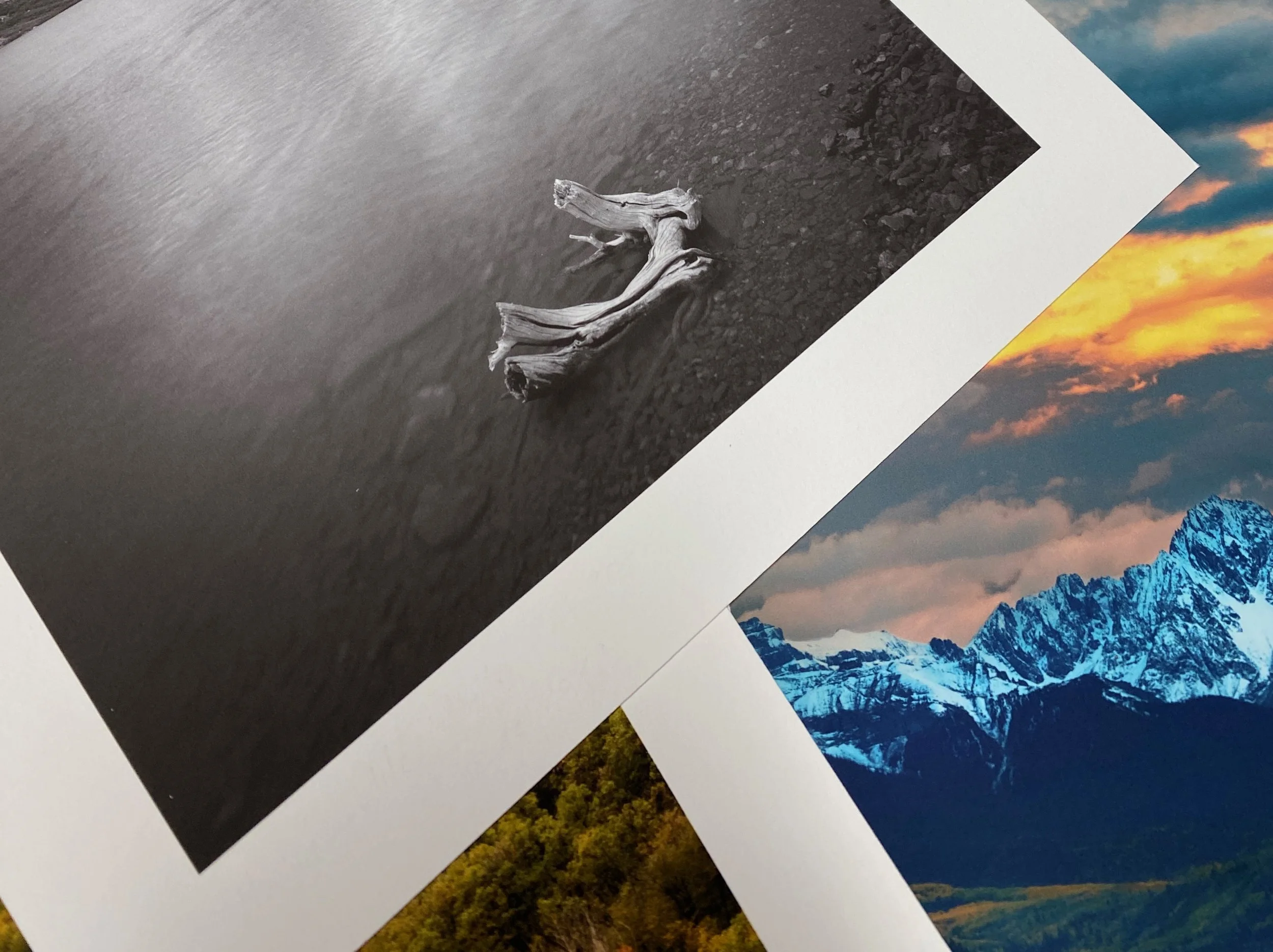
Preparing Your Images for Print in Lightroom Classic
Join me for a practical webinar in collaboration with Digital Silver Imaging on preparing and exporting images from Lightroom Classic for professional printing. During this session, Eric will explain the essential export settings in Lightroom Classic and demystify key concepts, including color spaces, aspect ratios, image resolution (DPI), and file formats. You'll learn how to optimize your images for consistent, high-quality print results while avoiding common mistakes that can affect the final print.

Create the Orton Effect in Lightroom and Photoshop
The Orton Effect is a classic photographic technique that adds a soft, luminous glow and rich atmosphere to landscape images. Used subtly, it can bring depth, mood, and a painterly quality to your photos while enhancing contrast and visual impact.
Originally developed by Michael Orton using multiple film transparencies, the effect is now easy to create digitally in both Adobe Lightroom and Adobe Photoshop.

Image Blending in Photoshop
Blending multiple images in Photoshop can transform an ordinary photo into something extraordinary. Whether you're combining exposures, extending time, or increasing depth of field, the core techniques rely on the same powerful tools: layers and masks.
In this free webinar, you’ll learn the essential concepts behind image blending and see how professional workflows come together inside Photoshop. We’ll cover the fundamentals step-by-step and walk through real-world examples you can apply to your own photography immediately.
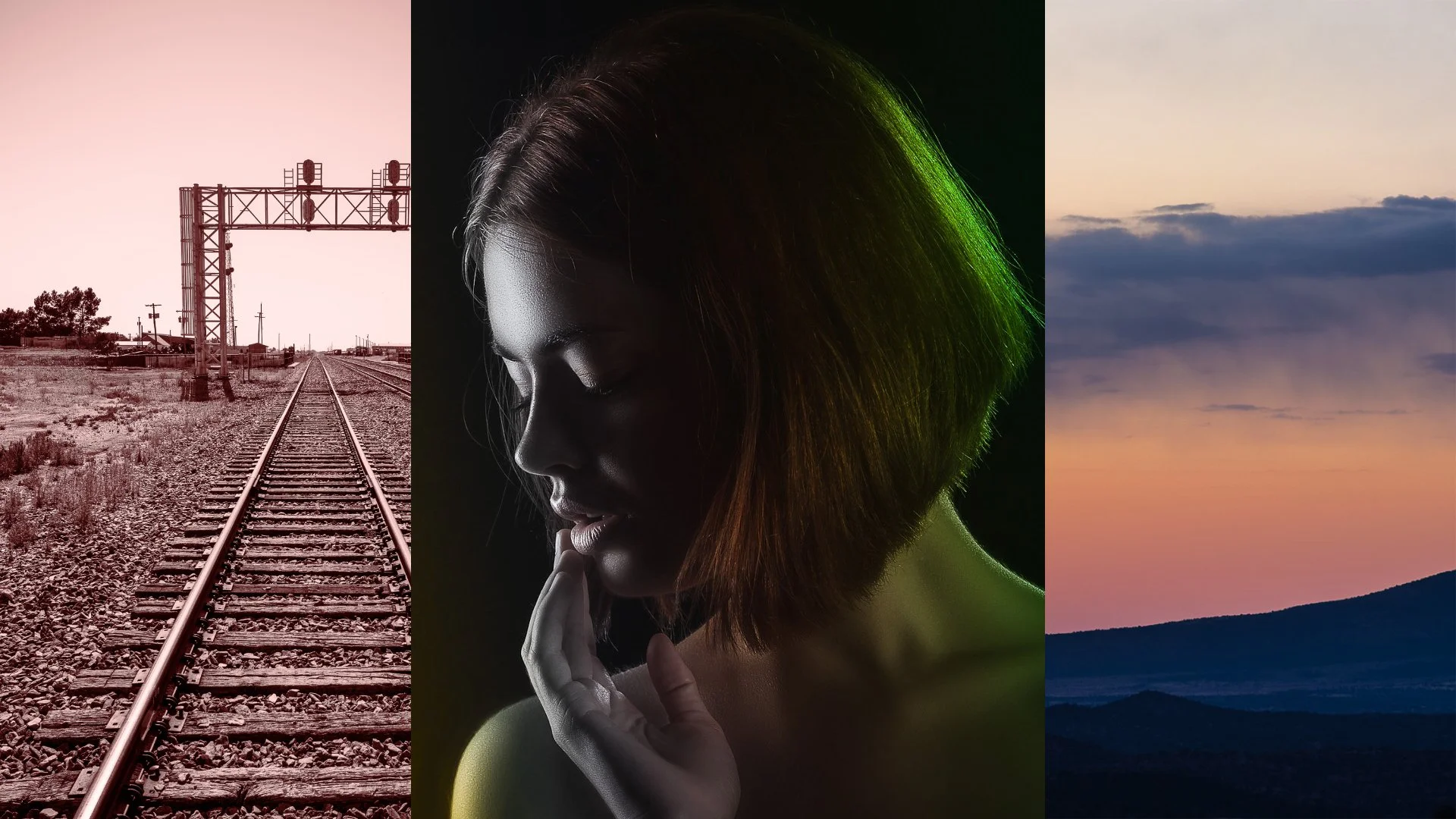
Color Grading in Lightroom
Want to give your photos more drama, depth, and impact? The Tone Curve is one of the most powerful — and often overlooked — tools for transforming an image.
Ready to add style and visual punch to your photos? Curious how photographers create a distinct look using color?
In this hands-on workshop, we’ll explore the powerful color grading tools in Lightroom and how they can transform your images. You’ll learn how to tone black-and-white photos for mood and depth, enhance sunset colors to recreate the vibrancy you experienced in the moment, and use color creatively to develop your own photographic style.

Mastering the Tone Curve in Lightroom
Want to give your photos more drama, depth, and impact? The Tone Curve is one of the most powerful — and often overlooked — tools for transforming an image.
In this session, you’ll learn how to shape light and contrast with precision. Discover how to add punchy contrast, brighten highlights, deepen blacks, and refine the tonal balance of your images using the Tone Curve.
We’ll also explore how the Tone Curve works alongside other Lightroom tools so you can develop a smoother, more intentional editing workflow.

Understanding Photoshop Blend Modes
Are you overwhelmed by Photoshop’s layer blend modes? Not sure which blend mode will best achieve the effect you’re looking for?
Join this free webinar to learn what blend modes are, how they work, and how to use them effectively. I’ll start with an overview of how blend modes function, then dive into the blend modes most useful for editing and creating photographs.

Understanding Photoshop Channels
Do you want to better understand Photoshop Channels? Are you ready to learn how to use channels to elevate your editing skills—creating, saving, retrieving, and manipulating selections with confidence?
Register for this free webinar for a practical introduction to channels. I’ll cover everything from the basics to more advanced techniques, with real-world examples that show how channels can significantly enhance your Photoshop proficiency.
Mastering Profiles & Presets in Lightroom Classic
Want to better understand profiles and presets in Lightroom Classic? Ready to use these powerful tools to improve your edits and streamline your workflow?
Lightroom Classic has evolved significantly since its launch in 2007, and mastering profiles and presets can dramatically speed up your editing process and enhance consistency in your images.
Register for a free webinar to explore profiles and presets in Lightrrom Classic
Removing Distractions in Photoshop
Do unwanted distractions ruin otherwise great photos? Whether it’s stray objects, random people, or stubborn dust spots, these elements can pull attention away from your best work.
Register for a free webinar focused on mastering Photoshop’s powerful tools for image cleanup. We’ll explore both AI-driven features and traditional manual techniques to help you remove distractions, repair details, and rebuild areas of an image for a cleaner, more professional final result.

Discover Affinity Studio
Want to refresh your photo-processing skills, overwhelmed by Photoshop, or ready to step away from subscription-based software? Affinity Studio may be the solution.
Register for a free Zoom webinar to explore Affinity Studio, understand its capabilities, and see how it can enhance your workflow. We’ll walk through the interface, demonstrate essential tools, and show how to process images from start to finish.