Story Telling
Are you looking for creative new ways to showcase your work?
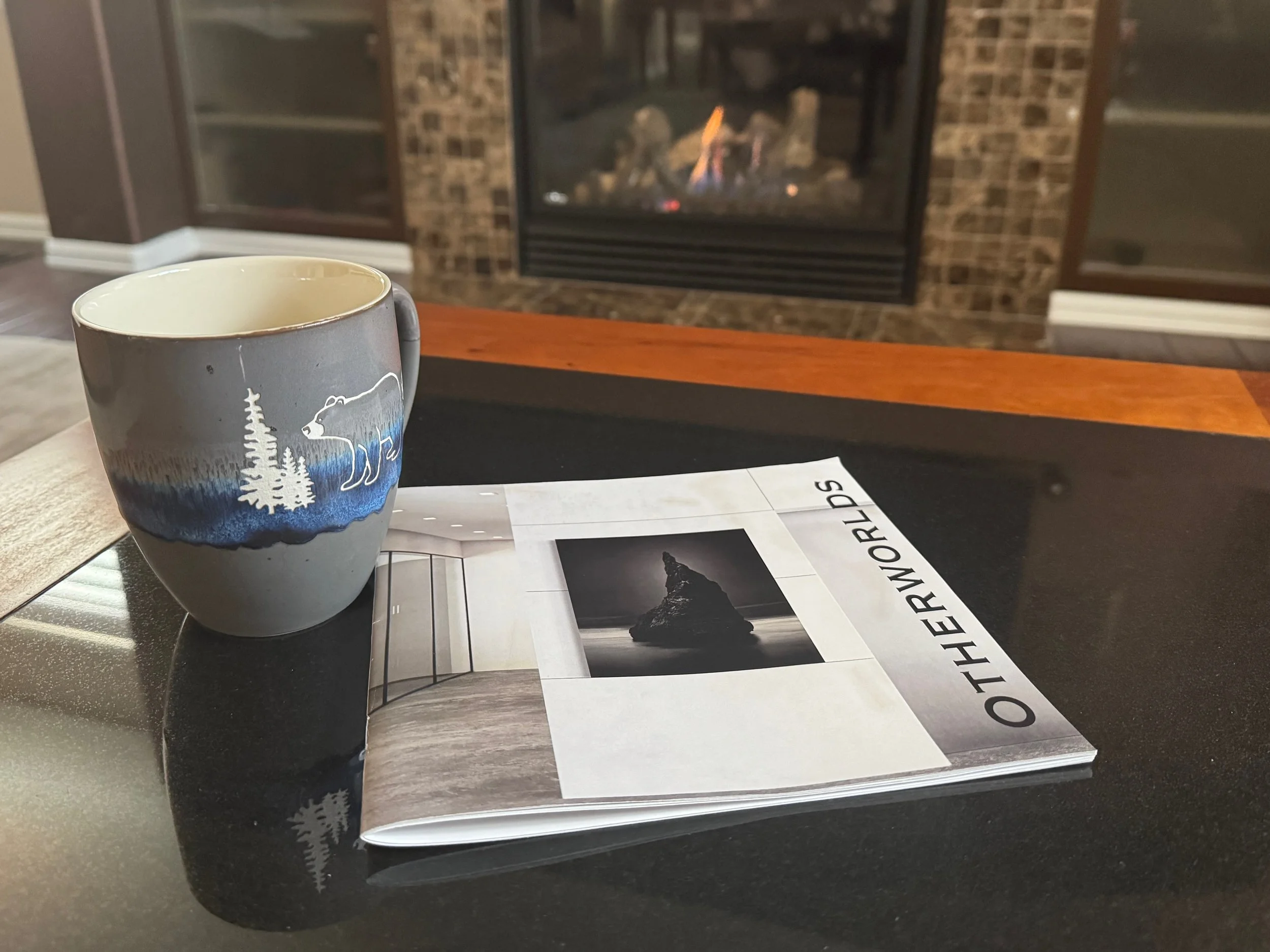
Zines, self-published magazines, and slideshow videos offer exciting, hands-on ways to bring your projects to life and share them with others.
Whether you’re creating a portfolio, documenting a family vacation, capturing a special holiday, or building a personal archive, zines and slideshows turn your memories and ideas into something meaningful and shareable.
Discover a fun, expressive way to present your work—and make it truly stand out.
Offerings
Learn how to create Zines and other printed materials using your images and the free Affinity Studio software. The class is organized around designing, creating, and publishing your personal project.
Learn how to create slideshow videos to showcase your work using your images and the free Apple iMovie Application. The class is organized around designing, creating, and publishing your personal project.

Create & Publish Your Own Zine: A Hands-On Workshop
Group Class: 22 July, 29 July, 5 August 630pm MT via Zoom
Looking for a unique way to share your work? A zine—an independently produced magazine—might be the perfect solution!
In this project-based course, you’ll learn
What a zine is and how to develop your concept
How to design and lay out your zine
Where and how to publish your zine affordably
By the end of the course, you’ll take your idea from concept to a fully printed zine.
Course Details:
Format: Live online sessions via Zoom
Schedule: Three 2-hour sessions
One-on-One Support: Available via email throughout the course
Software Requirements:
Your zine’s images can come from any camera, including a smartphone. The recommended software includes:
Lightroom – for image management and editing
Affinity Studio – for layout and design (a cost-effective alternative to Adobe InDesign)
While other software can be used, support for troubleshooting may be limited. Learn more or purchase Affinity Publisher on the Affinity website.
Tuition
The course is priced per person. Group rates are available—please inquire for details.
Ready to bring your creative vision to life? Join us and start building your zine today!
Class Outline
Session 1
What is a Zine
What are possible formats
How to tell a story
Considerations in collecting and processing images
What software is needed?
Overview of Affinity Studio
Session 2
Designing your layout
Master pages
Bleed, Margin, Trim etc
Building the Zine
Adding Images
Adding Text
Testing via PDF export
Session 3
Working through last-minute issues
Publishing for print
Export settings
Getting a MagCloud Account
Uploading your zine and purchasing a copy
Publishing for electronic sharing
Export Settings
• Wrap up and Questions