Online Photography Workshops
Teaching and supporting others in achieving their dreams has always been a passion of mine. I see myself more as a coach than a traditional instructor. I take the time to understand your goals and vision, and if my expertise can help, I’m committed to guiding you toward achieving them.
If you are tired of watching YouTube videos or frustrated trying to learn independently, a tailored class or mentoring session can help you achieve the next level.
My classes can be taught one-on-one or in small groups.
It all begins with a conversation, so please reach out and say hi and let me know how I might be able to help you.
One-to-one Offerings
All courses are priced for one-to-one presentations and can be scheduled at a convenient time.
Inquire about group offerings at reduced pricing.

Precision and Power: Mastering Selections in Photoshop
Group Class: 20 July 630pm MT via Zoom
Selections are at the heart of powerful Photoshop editing—whether you're isolating a subject, replacing a background, or applying targeted adjustments. In this in-depth online course, you’ll learn how to create, refine, and manage selections with confidence and control.
Starting with the fundamentals, you’ll explore what selections are and how Photoshop defines an active selection. You’ll gain hands-on experience with the essential selection tools—like the Marquee, Lasso, and Magnetic Lasso—and learn the “math” behind combining selections to work more efficiently.
The course then moves into advanced territory, covering powerful tools like Color Range, Focus Area, and automatic selections such as Sky and Subject. You’ll learn how to refine your selections with precision using edge detection modes and global refinements.
Beyond just making selections, this course shows you how to save and load selections as masks, use the Channels panel, and master essential keyboard shortcuts. You’ll finish with a deep understanding of how to apply edits using both direct selections and layer masks, allowing for non-destructive, professional-level control.
Ideal for:
Photographers
Designers
Retouchers
Anyone seeking to master Photoshop’s most critical editing skill
By the end of this course, you’ll be able to make precise, flexible selections and apply them creatively across your workflow.
Course Details
This is offered as a single-session, 120-minute Zoom Class. The class will be recorded and accessible to participants for 12 months from the date of the course.
Refund Details
A full refund will be provided if the course is canceled due to limited attendance, facility, or instructor issues.

Create Stunning Slide Shows with Apple iMovie
Looking for a creative and compelling way to showcase your work? Slideshow videos are a powerful way to tell your story, share your ideas, and make a lasting impression.
In this hands-on course, you’ll develop your concept and transform it into a fully finished video project using Apple’s iMovie.
What You’ll Learn
By the end of the course, you will know how to:
Design and plan your overall project
Import photos and video clips
Add titles, transitions, and effects
Export and share your final video
Course Details
Format: Live online sessions via Zoom
Schedule: Two interactive 2-hour sessions
One-on-One Support: Available via email throughout the course
Software Requirements
This class uses iMovie, Apple’s free video editing software that comes with all Apple devices. Instruction focuses on the desktop version.
How the Course Works
The course is divided into two sessions:
Session One: Learn iMovie’s core features and begin building your project
Session Two: Get personalized support, troubleshoot issues, and polish your final video
By the end of the course, you’ll walk away with a complete, professional-looking slideshow.
Tuition
Pricing is per person. Group rates are available—please inquire for details.
✨ Ready to bring your creative vision to life?
Join us and start building your slideshow today!
Introduction to Affinity: Build on a Solid Foundation
If you're new to Affinity or need a refresher before digging deeper, this class is for you.
We’ll start with the core concepts of how Affinity works and build from there, covering:
How to open files in Affinity via the operating system or integrate Affinity with Lightroom
A tour of the Affinity workspace
An Introduction to the AffinityTools Useful in Editing Photographs
The goal is to set you up for success in the next class in the series, Affinity Layers.
Whether you're new to Affinity or want to build a stronger foundation, this class will give you a solid start in using Affinity to edit your photos.
Course Details
This is offered as a single 120-minute Zoom Class Session. The class will be recorded and accessible to participants for 12 months from the date of the course.
I’m offering this course at a reduced price and every participant will receive a coupon good for a discount on follow-on courses, making this course nearly free
Refund Details
A full refund will be provided if the course is canceled due to limited attendance, facility, or instructor issues.

Mastering Selections in Affinity
Selections are at the heart of powerful image editing—whether you're isolating a subject, replacing a background, or applying targeted adjustments. In this in-depth online course, you’ll learn how to create, refine, and manage selections with confidence and control.
Starting with the fundamentals, you’ll explore what selections are and how Affinity defines an active selection. You’ll gain hands-on experience with the essential selection tools—like the Selection Brush and Flood Selection tools, and —and learn the “math” behind combining selections to work more efficiently.
The course then moves into advanced territory, covering powerful tools like Color Range, an Objection Selection tool, You’ll learn how to refine your selections with precision using edge detection modes and global refinements.
Beyond just making selections, this course shows you how to save and load selections as masks, use the Channels panel, and master essential keyboard shortcuts. You’ll finish with a deep understanding of how to apply edits using both direct selections and layer masks, allowing for non-destructive, professional-level control.
Ideal for:
Photographers
Designers
Retouchers
Anyone seeking to master Photoshop’s most critical editing skill
By the end of this course, you’ll be able to make precise, flexible selections and apply them creatively across your workflow.
Course Details
This is offered as a single-session, 120-minute Zoom Class. The class will be recorded and accessible to participants for 12 months from the date of the course.
Refund Details
A full refund will be provided if the course is canceled due to limited attendance, facility, or instructor issues.

Affinity Layers: Build a Solid Foundation
Layers are the core of Affinity’s editing power—and mastering them is essential for any photographer. This foundational class will introduce you to the full range of Affinity’s layer capabilities, giving you the skills to edit with control, flexibility, and creative precision.
We’ll start with the core concepts of how layers work and build from there, covering:
The layering model: How Affinity builds images from the bottom up
Types of layers:
Pixel and Image Layers
Adjustment layers for non-destructive tonal and color changes
Live Filters for image manipulation
How to use layer opacity to blend changes gradually
Exploring blend modes to create dynamic effects
Introduction to layer masks:
"White reveals, black conceals"—the key to precise, selective editing
Live masks: Luminosity, Hue and Band-Pass
You’ll also see a complete example of using layers and tone curves to dodge and burn an image—a powerful technique for enhancing light and shadow non-destructively.
Whether you're new to Affinity or want to build a stronger foundation, this class will give you a clear understanding of how layers work and how to use them effectively in your creative projects.
Course Details
This is offered as a single-session, 120-minute Zoom Class. The class will be recorded and accessible to participants for 12 months from the date of the course.
Refund Details
A full refund will be provided if the course is canceled due to limited attendance, facility, or instructor issues.

Photo Management in Lightroom Classic
This class covers the Image Catalog in Lightroom Classic
We’ll focus on core concepts to enable you to make the best use of this capability
Why the Catalog was created and what it was designed to do
How to tailor your Lightroom workspace to simplify your workflow
Explore tips and tricks for setting up and organizing your image storage
Explore Image metadata, keywording, rating tools, and image collections
Explore how to import and export images to and from the catalog
Whether you’re new to Lightroom or want a refresher to get your Catalog in order, this class will give you a solid start in using the Lightroom Classic Catalog.
Course Details
This is offered as a single 120-minute Zoom Class Session. The class will be recorded and accessible to participants for 12 months from the date of the course.
Refund Details
A full refund will be provided if the course is canceled due to limited attendance, facility, or instructor issues.
Photo Development in Lightroom Classic
This class covers developing images in Lightroom Classic
We’ll focus on core concepts to enable you to make the best use of this capability
Explore the global image development functions
How to tailor your Lightroom workspace to simplify your workflow
How to select a solid image profile best suited to your edit goals
How to create editing presets to simplify editing image sets
Explore using all the development tools to add creativity to your edits
Convert your image to black and white and explore sepia and selenium color toning
Whether you’re new to Lightroom or want a refresher on developing images. This class will provide a solid foundation for developing images in Lightroom Classic.
Course Details
This is offered as a single 120-minute Zoom Class Session. The class will be recorded and accessible to participants for 12 months from the date of the course.
Refund Details
A full refund will be provided if the course is canceled due to limited attendance, facility, or instructor issues.
Introduction to Photoshop: Getting A Solid Start
If you're new to Photoshop or need a refresher before digging deeper, this class is for you.
We’ll start with the core concepts of how Photoshop works and build from there, covering:
How to open files in Photoshop via the operating system, Adobe Bridge, and Lightroom
A tour of the Photoshop workspace
An Introduction to the Photoshop Tools Useful in Editing Photographs
The goal is to set you up for success in the next class in the series, Photoshop Layers.
Whether you're new to Photoshop or want to build a stronger foundation, this class will give you a solid start in using Photoshop to edit your photos.
Course Details
This is offered as a single 120-minute Zoom Class Session. The class will be recorded and accessible to participants for 12 months from the date of the course.
I’m offering this course at a reduced price and every participant will receive a coupon good for a discount on follow-on Photoshop courses, making this course nearly free
Refund Details
A full refund will be provided if the course is canceled due to limited attendance, facility, or instructor issues.

Photoshop Layers: A Foundation for Creative Editing
Layers are the core of Photoshop’s editing power—and mastering them is essential for any photographer. This foundational class will introduce you to the full range of Photoshop’s layer capabilities, giving you the skills to edit with control, flexibility, and creative precision.
We’ll start with the core concepts of how layers work and build from there, covering:
The layering model: How Photoshop builds images from the bottom up
Types of layers:
Raster layers for pixel-based edits
Adjustment layers for non-destructive tonal and color changes
Construction layers such as text and shape layers for design flexibility
How to use layer opacity to blend changes gradually
Exploring blend modes to create dynamic effects
Introduction to layer masks:
"White reveals, black conceals"—the key to precise, selective editing
You’ll also see a complete example of using layers and tone curves to dodge and burn an image—a powerful technique for enhancing light and shadow non-destructively.
Whether you're new to Photoshop or want to build a stronger foundation, this class will give you a clear understanding of how layers work and how to use them effectively in your creative projects.
Course Details
This is offered as a single-session, 120-minute Zoom Class. The class will be recorded and accessible to participants for 12 months from the date of the course.
Refund Details
A full refund will be provided if the course is canceled due to limited attendance, facility, or instructor issues.

Unlock the Power of Luminosity Masking in Photoshop
Take your image editing to the next level with Luminosity Masking—a precise and powerful technique that lets you target adjustments based on tonal values. This course is designed for photographers, retouchers, and creatives who want to gain ultimate control over highlights, midtones, and shadows without compromising image quality.
You’ll begin by understanding what luminosity is and why it matters in digital editing. From there, we’ll explore the benefits of using Luminosity Masks—from subtle tone control to complex, natural-looking adjustments that are impossible with basic selection tools.
Through hands-on demonstrations, you’ll learn:
How to generate and visualize Luminosity Masks
Techniques for combining masks with other selection tools to refine your workflow
How to paint directly onto Layer Masks using Luminosity Masks as guides for seamless, non-destructive edits
By the end of the course, you'll know how to integrate Luminosity Masking into your editing process to enhance contrast, recover detail, and guide the viewer’s eye—while maintaining a natural, professional look.
Master the art of subtle control and dynamic precision—one tonal range at a time.
Course Details
This is offered as a single-session, 120-minute Zoom Class. The class will be recorded and accessible to participants for 12 months from the date of the course.
Refund Details
A full refund will be provided if the course is canceled due to limited attendance, facility, or instructor issues.
Precision and Power: Mastering Selections in Photoshop
Selections are at the heart of powerful Photoshop editing—whether you're isolating a subject, replacing a background, or applying targeted adjustments. In this in-depth online course, you’ll learn how to create, refine, and manage selections with confidence and control.
Starting with the fundamentals, you’ll explore what selections are and how Photoshop defines an active selection. You’ll gain hands-on experience with the essential selection tools—like the Marquee, Lasso, and Magnetic Lasso—and learn the “math” behind combining selections to work more efficiently.
The course then moves into advanced territory, covering powerful tools like Color Range, Focus Area, and automatic selections such as Sky and Subject. You’ll learn how to refine your selections with precision using edge detection modes and global refinements.
Beyond just making selections, this course shows you how to save and load selections as masks, use the Channels panel, and master essential keyboard shortcuts. You’ll finish with a deep understanding of how to apply edits using both direct selections and layer masks, allowing for non-destructive, professional-level control.
Ideal for:
Photographers
Designers
Retouchers
Anyone seeking to master Photoshop’s most critical editing skill
By the end of this course, you’ll be able to make precise, flexible selections and apply them creatively across your workflow.
Course Details
This is offered as a single-session, 120-minute Zoom Class. The class will be recorded and accessible to participants for 12 months from the date of the course.
Refund Details
A full refund will be provided if the course is canceled due to limited attendance, facility, or instructor issues.

Mastering Black & White Photography: a Focus on the Fundamentals
Unlock the art of black-and-white photography in this in-depth discussion designed to enhance your ability to see, capture, and process stunning monochrome images. Whether you're struggling to create compelling black-and-white photos or want to refine your technique, this course will provide the necessary knowledge and tools.
The discussion focuses on the fundamentals, including color theory, tonal relationships, and how to perceive luminance. You'll learn to control tone and fine-tune your photos using the color mixer, contrast-enhancing tools (texture, clarity, and dehaze), and the curve tool. The course will primarily focus on Lightroom Classic, but the skills taught apply to most image editing software.
By the end of this course, you’ll have a solid foundation in black-and-white photography, enabling you to go beyond basic edits and craft your unique monochrome style.
📅 Course Details:
Duration: 120 minutes
Format: Live online session via Zoom
Schedule: Flexible, based on mutual availability

Want to take better photos with your phone?
In this beginner-friendly session, I’ll guide you through the essential features of your phone’s camera, helping you understand its modes, settings, and creative possibilities.
During this 90-minute session, we’ll start with the basics of the camera app, then dive into more advanced functions.
Once you’re comfortable with the fundamentals,
We’ll explore composition techniques and tricks to capture stunning images.
While this session focuses on the iPhone, many of the concepts also apply to Android devices.
The class is 90 minutes long, delivered online via Zoom, and can be scheduled at a mutually convenient time.
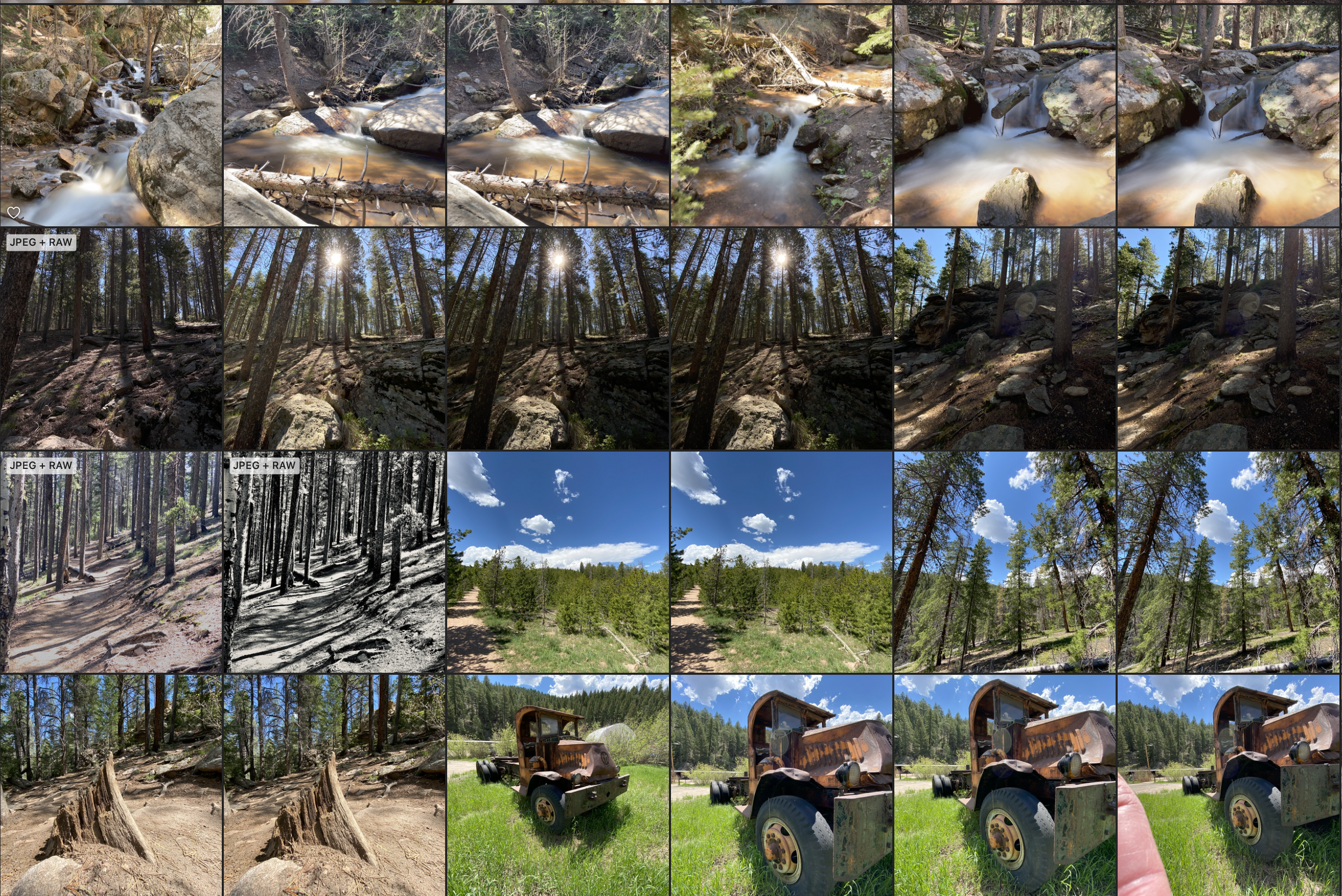
Does your iPhone photo library feel like a chaotic mess?
Are you tired of endlessly scrolling to find that one picture?
In this hands-on workshop, I’ll guide you through the essentials of Apple Photos, how it works with iCloud, and how it fits within the larger Apple ecosystem.
I’ll show you how to use built-in sorting tools, create custom albums for better organization, and streamline your photo management.
Plus, I’ll walk you through basic editing features so you can enhance your images and make the most of your iPhone photography—without the clutter.
The class is 90 minutes long, delivered online via Zoom, and can be scheduled at a mutually convenient time.

Advanced Masking in Lightroom: Elevate Your Editing Skills
Lightroom’s masking feature is a game-changer, allowing you to make precise local adjustments and add depth to your images. In this course, you'll learn how to harness the power of masks to enhance your photos with precision and creativity.
This session covers the fundamentals of masking and explores Lightroom’s advanced masking interface—the core of my Intro to Lightroom Masking course. You’ll gain hands-on experience in developing complex mask operations, refining your edits like a pro.
Bonus: Submit two of your own images for live editing demonstrations, so you can see masking techniques applied directly to your work.
📅 Course Details:
✅ Duration: 4 hours (completed in one or two sessions)
✅ Format: Live online class via Zoom
✅ Schedule: Flexible, based on mutual availability
Join this interactive session and take your Lightroom skills to the next level!
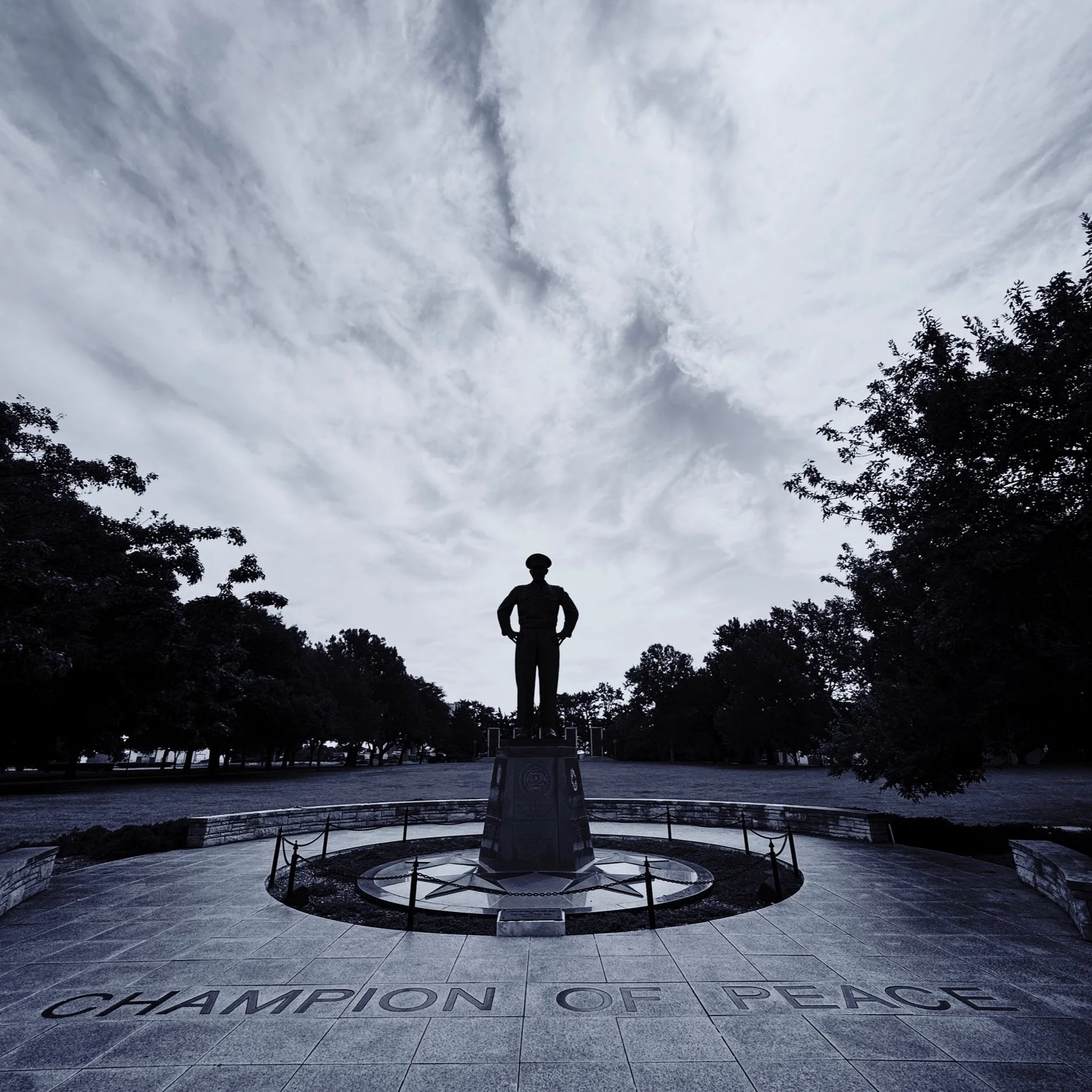
Mastering Black & White Photography in Lightroom
Want to create stunning black-and-white images in Lightroom? This hands-on session will teach you how to:
✅ Convert color images to black and white effectively
✅ Use color adjustments to enhance contrast and depth
✅ Apply masks to refine and optimize your conversions
This workshop is designed for those already familiar with Lightroom. While not an exhaustive deep dive, it provides essential techniques to get you started and build your skills. Demonstrations will be conducted using Lightroom Classic, but the concepts apply to all Lightroom versions.
📅 Course Details:
Duration: 120 minutes
Format: Live online session via Zoom
Schedule: Flexible, based on mutual availability

Want to smooth water or create streaking clouds in your photos?
By controlling time, you can add drama and impact to any image.
In this class, we’ll dive into the basics of long-duration photography, covering when and where to use this technique, the best camera settings, and how ND (Neutral Density) filters help achieve these stunning effects.
What you’ll gain from this class:
An interactive discussion on when to use long-duration effects in your photography
Step-by-step guidance on setting up your camera for long-duration shots
A clear understanding of Neutral Density (ND) filters and their use
Insights into different types of ND filters, plus recommendations on which ones to purchase
The class is 90 minutes long, delivered online via Zoom, and can be scheduled at a mutually convenient time.
Create & Publish Your Own Zine: A Hands-On Workshop
Group Class: 22 July, 29 July, 5 August 630pm MT via Zoom
Looking for a unique way to share your work? A zine—an independently produced magazine—might be the perfect solution!
In this project-based course, you’ll learn
What a zine is and how to develop your concept
How to design and lay out your zine
Where and how to publish your zine affordably
By the end of the course, you’ll take your idea from concept to a fully printed zine.
Course Details:
Format: Live online sessions via Zoom
Schedule: Three 2-hour sessions
One-on-One Support: Available via email throughout the course
Software Requirements:
Your zine’s images can come from any camera, including a smartphone. The recommended software includes:
Lightroom – for image management and editing
Affinity Studio – for layout and design (a cost-effective alternative to Adobe InDesign)
While other software can be used, support for troubleshooting may be limited. Learn more or purchase Affinity Publisher on the Affinity website.
Tuition
The course is priced per person. Group rates are available—please inquire for details.
Ready to bring your creative vision to life? Join us and start building your zine today!
Class Outline
Session 1
What is a Zine
What are possible formats
How to tell a story
Considerations in collecting and processing images
What software is needed?
Overview of Affinity Studio
Session 2
Designing your layout
Master pages
Bleed, Margin, Trim etc
Building the Zine
Adding Images
Adding Text
Testing via PDF export
Session 3
Working through last-minute issues
Publishing for print
Export settings
Getting a MagCloud Account
Uploading your zine and purchasing a copy
Publishing for electronic sharing
Export Settings
• Wrap up and Questions