Unlock the Power of Luminosity Masking in Photoshop
This event is scheduled for October 6, 2026: 6-8pm MT.
Zoom will translate the session time to your local time zone. 8-10pm ET, 7-9pm CT, 5-7pm PT
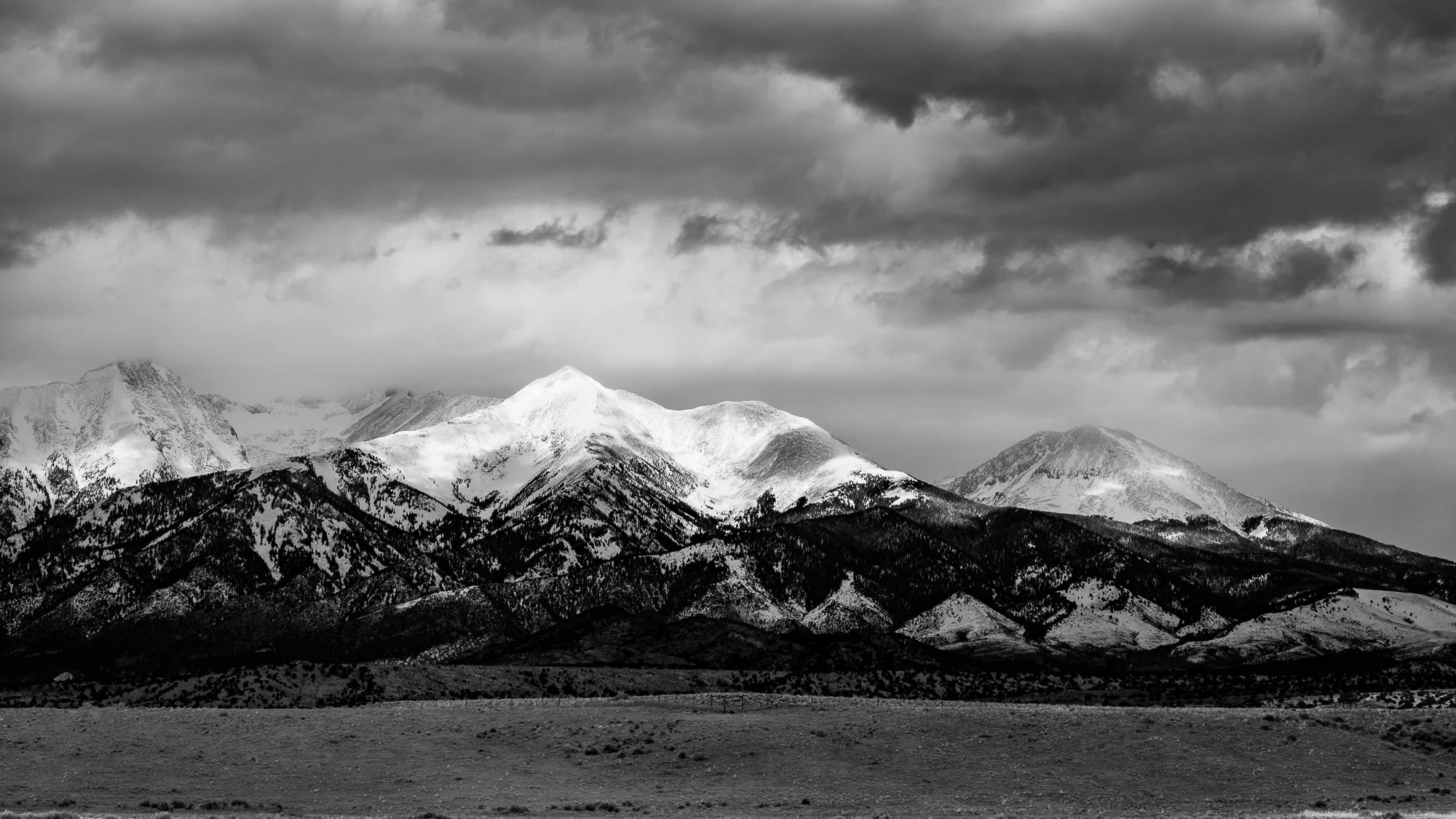
Want more precise control over your photographs without creating edits that look overprocessed?
Luminosity Masking is one of Photoshop’s most powerful techniques for making targeted, natural-looking adjustments. Rather than selecting areas based on objects, shapes, or colors, luminosity masks let you make selections based on brightness—giving you precise control over highlights, midtones, and shadows.
In this free webinar, you’ll learn both how luminosity masks work and, more importantly, how to use them as part of a practical Photoshop workflow.
We’ll start with the fundamentals: What is luminosity, and how can Photoshop turn tonal values into selections? From there, we’ll build and visualize luminosity masks and explore how to refine them and combine them with Photoshop’s other selection and masking tools.
We’ll use Tony Kuyper’s free TK Lum-Mask Plugin for Photoshop to streamline maks generation.
Through live demonstrations, you’ll learn how to:
Create luminosity masks for highlights, midtones, and shadows
See exactly what a luminosity mask is selecting and refine it for greater control
Combine luminosity masks with other selection tools to target specific areas of an image
Use luminosity selections with adjustment layers and layer masks for completely non-destructive editing
Paint through luminosity selections to dodge, burn, and shape light with greater precision
Apply these techniques to control contrast, recover detail, and direct the viewer’s eye
The goal isn’t simply to teach you how to create luminosity masks. It’s to show you when and why to use them—and how they can become a practical part of your everyday Photoshop workflow.
If you already understand the basics of layers, masks, and selections and want greater control over your images, this webinar will give you a powerful new set of tools for making precise adjustments that don’t look like adjustments.
Learn More about the differences between Lightroom and Photoshop