In collaboration with Digital Silver Imaging
Preparing Your Images for Print in Lightroom Classic
This event is scheduled for Aug 5, 2026: 12 N-1 PM MT / 2-3 PM ET
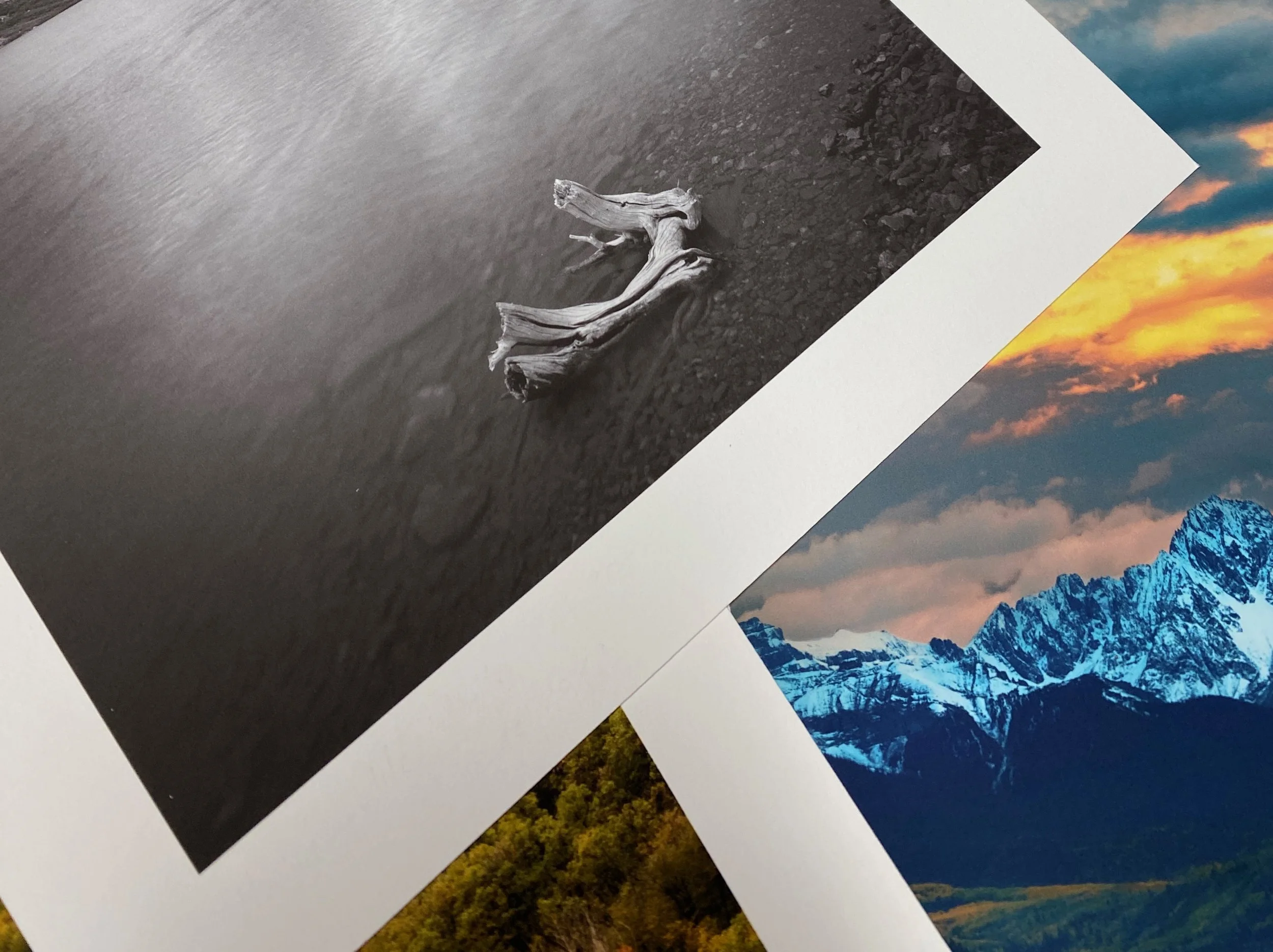
Free Live Webinar hosted by Digital Silver Imaging
Do you find exporting images from Lightroom confusing? Wondering which color space to use or how to prepare your files for the highest-quality fine art prints?
Join Fine Art Photographer and photography educator Eric Hagemann for a practical webinar on preparing and exporting images from Lightroom Classic for professional printing. During this session, Eric will explain the essential export settings in Lightroom Classic and demystify key concepts, including color spaces, aspect ratios, image resolution (DPI), and file formats. You'll learn how to optimize your images for consistent, high-quality print results while avoiding common mistakes that can affect the final print.
Whether you're creating your first fine art print or refining your printing workflow, this webinar will give you the knowledge and confidence to prepare your images for exceptional results.
What You’ll Learn
-Setting up Your Editing Environment
-Recommended monitor settings
-Recommended Room Settings
-Overall Review of Lightroom Import/Edit/Export
-Non-destructive editing
-Image editing vs pixel editing
-Understanding the histogram and creating a balanced exposure
-Choosing the Aspect Ratio to match print dimensions
-Color spaces and why they matter
-Understanding conversion and rendering intents
-The myth of Soft Proofing
-Diving into DPI, What is a good number
-Exporting your image
-Getting the settings right Fine Art Printing